Ghost Coat is a next-generation ceramic protection system designed for fast, effortless application. Follow a simple step-by-step process to clean, coat, set and finish your device with invisible, lasting protection
PREP.
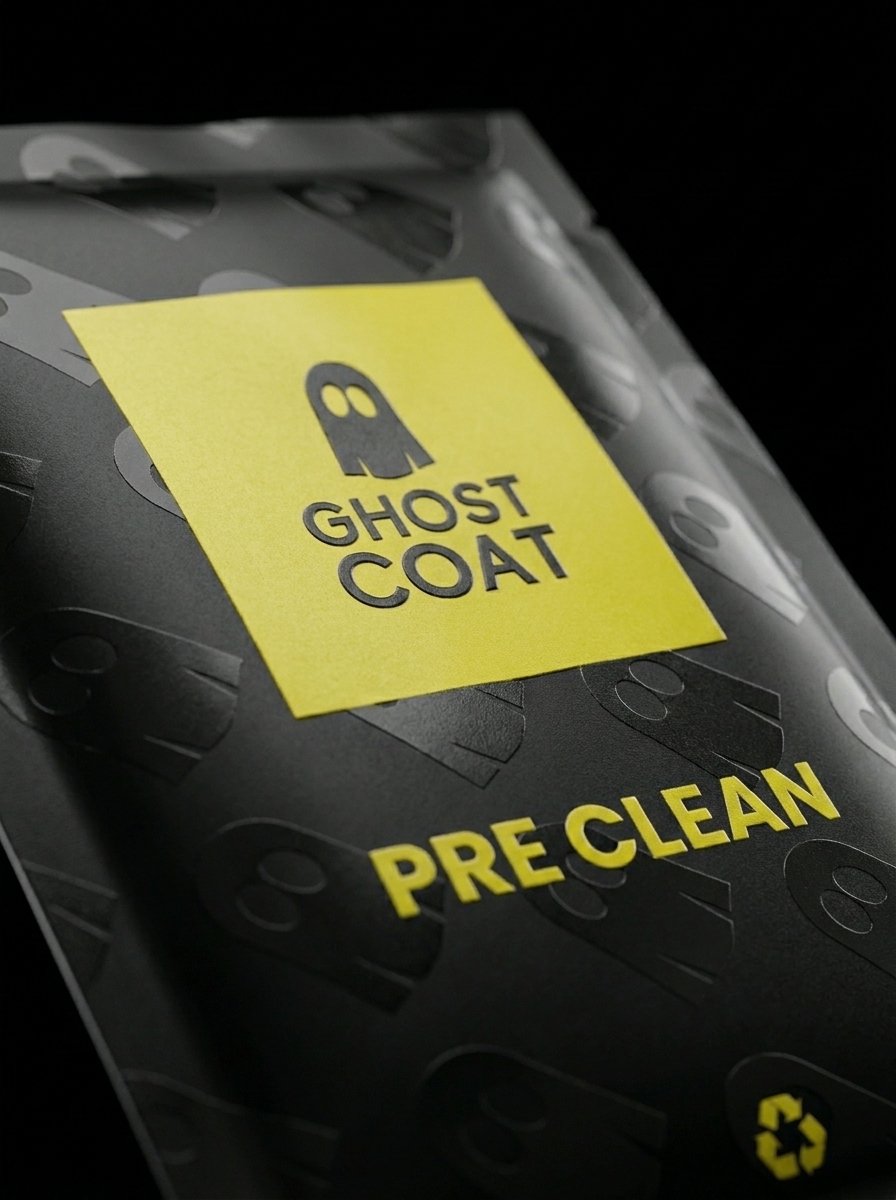
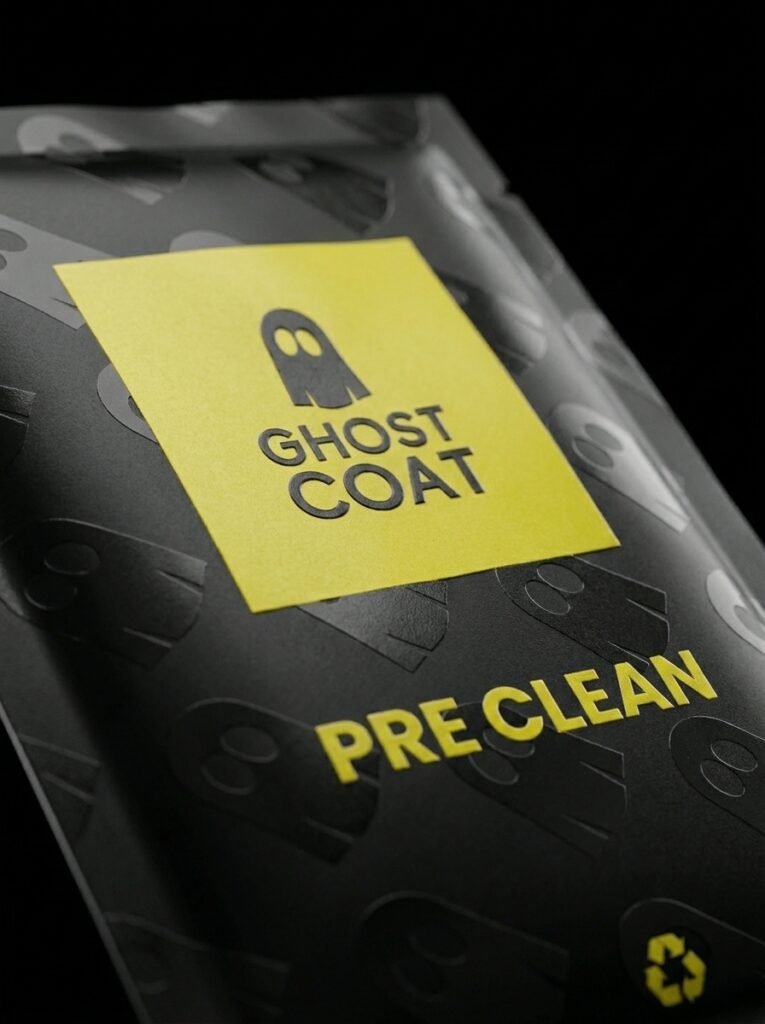
Using the black colour Pre-Clean pack: Clean your device with the pre-cleaner cloth, make sure you remove all dirt, oil and finger prints from your device. Keep cleaning all over your device until the cloth is dry.
Clean
Wipe
Degrease
Remove oils
cloth is dry
Protect.
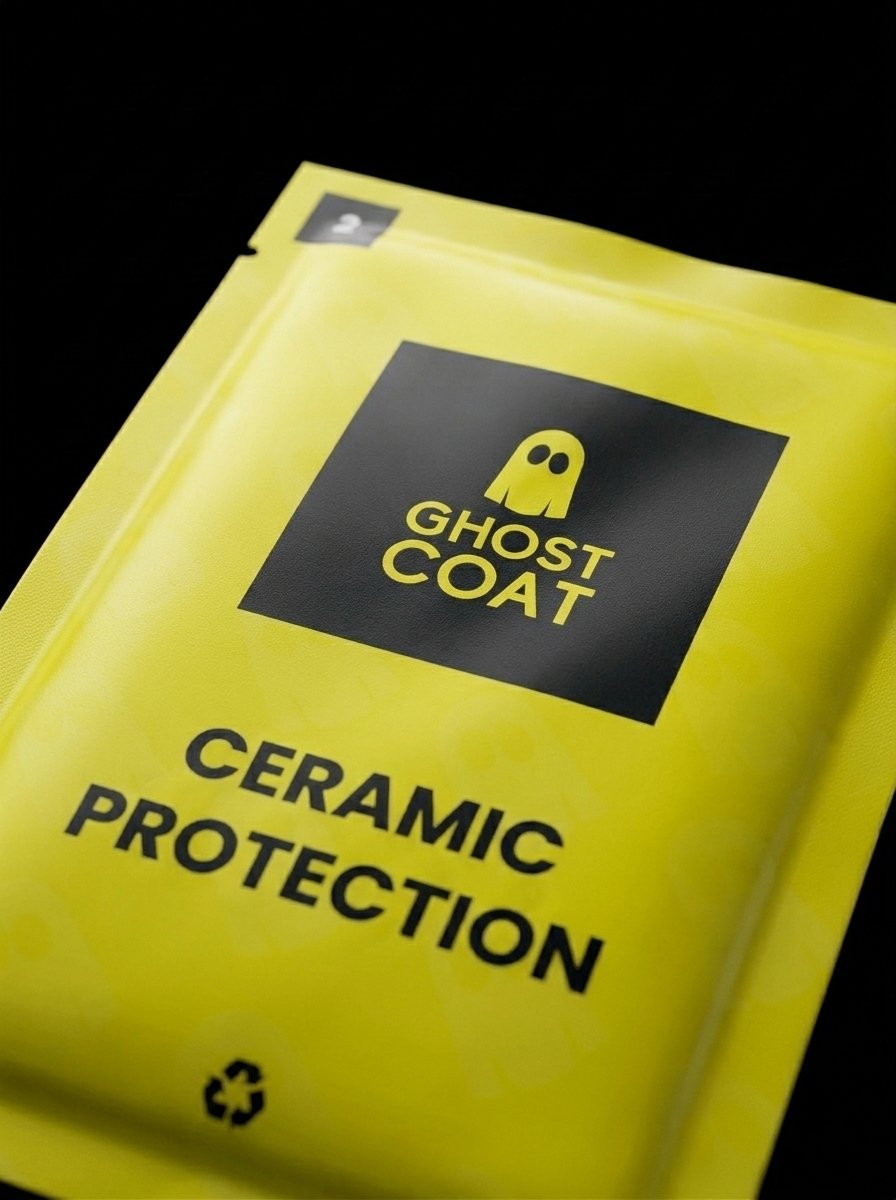
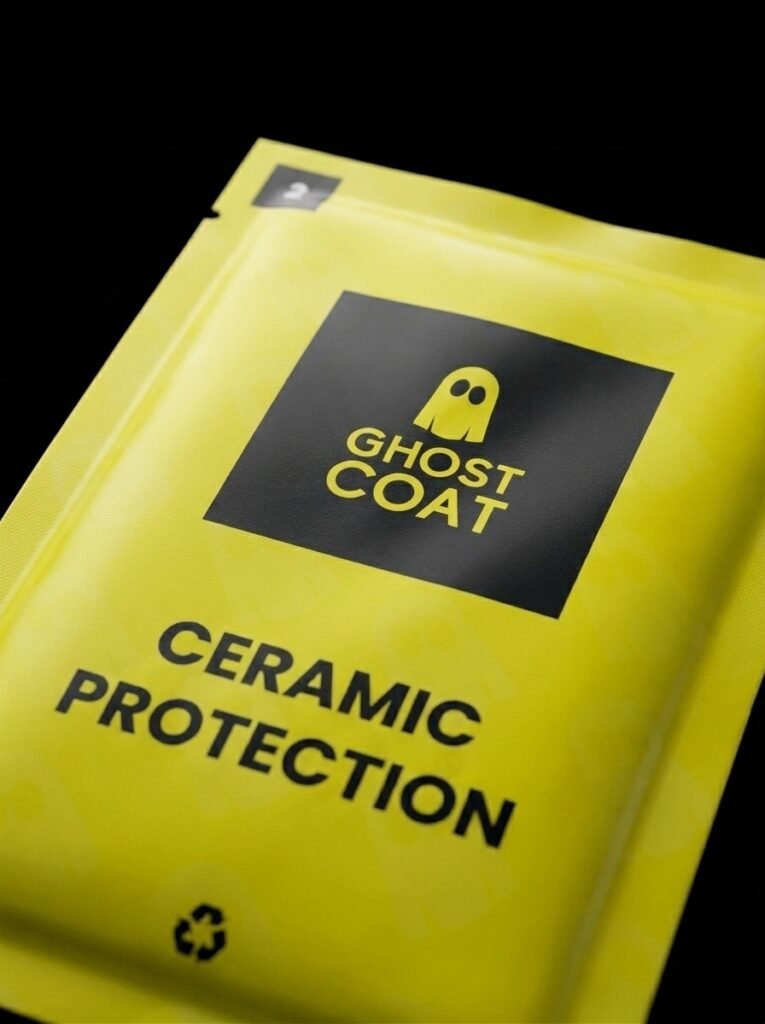
Using the yellow colour Ceramic Protection pack: Apply Ghost Coat to your device with the Ceramic Protection cloth. Apply the Ceramic Protection all over your device including the front, back & sides in a circular motion until the cloth is dry.
Apply
coat
even coverage
circular motions
cloth is dry
Pause.
Keep your device on a flat surface for at least 5 minutes without touching it. Ghost Coat Ceramic Protection will set and bond to your device.
wait
do not touch
flat surface
bonding
setting
Polish.
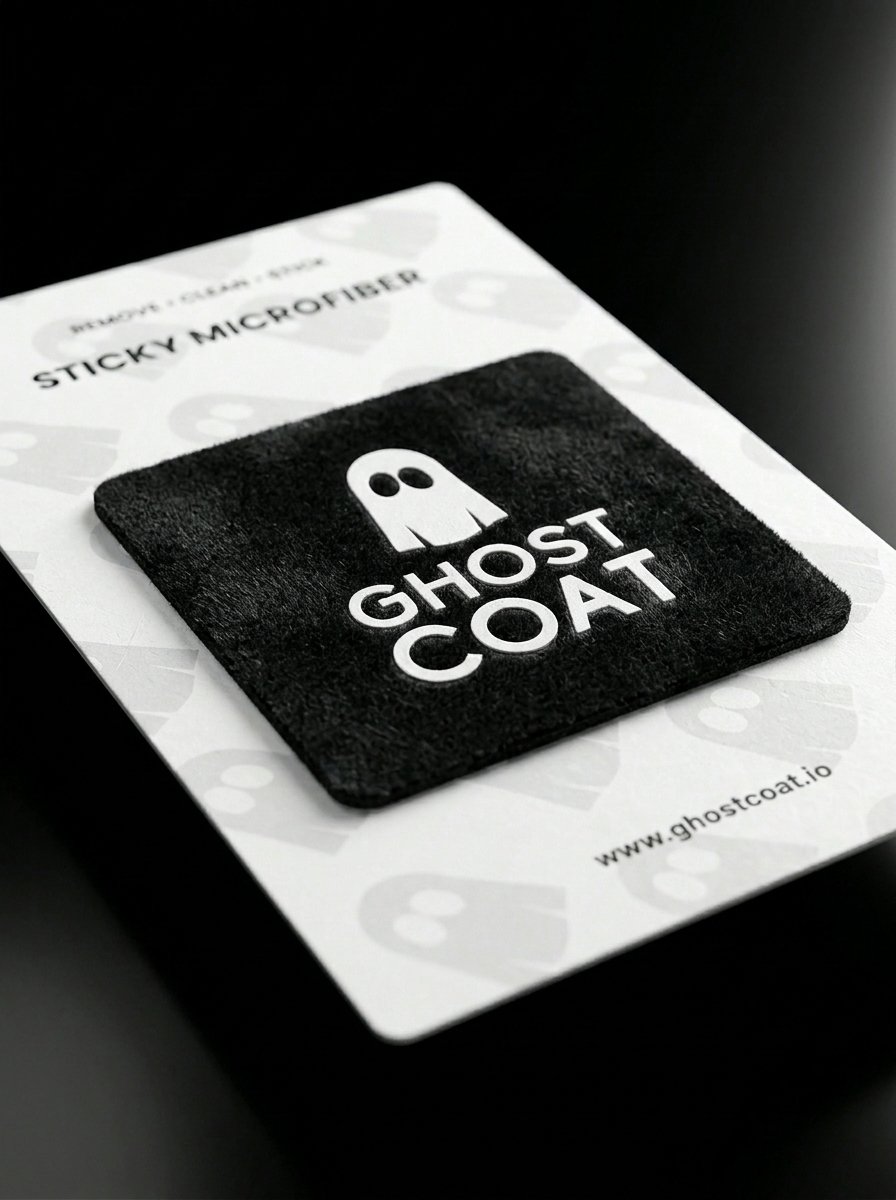
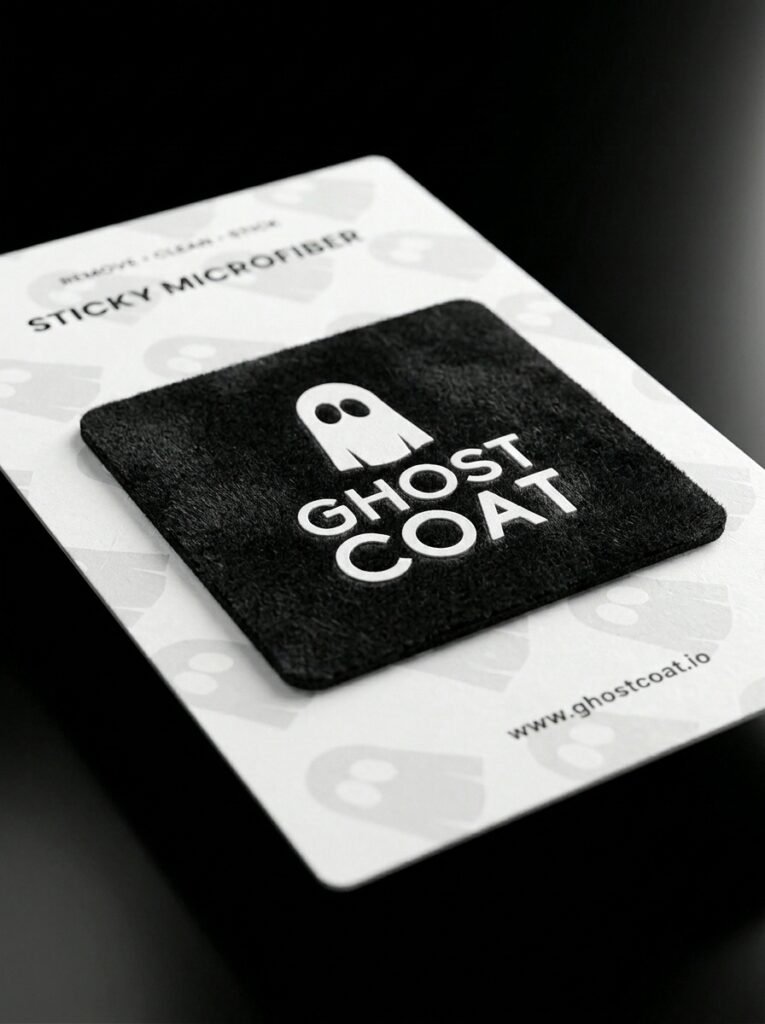
Using the Sticky Microfiber Cloth: Your device can be used after 5 minutes but Ghost Coat Ceramic Protection takes several hours to fully harden. After this time buff the device with the Sticky Microfiber Cloth to remove any residue. The Sticky Microfiber Cloth can be stuck to the back of your device for future use.
Buff
polish
remove residue
shine
invisible
Register.
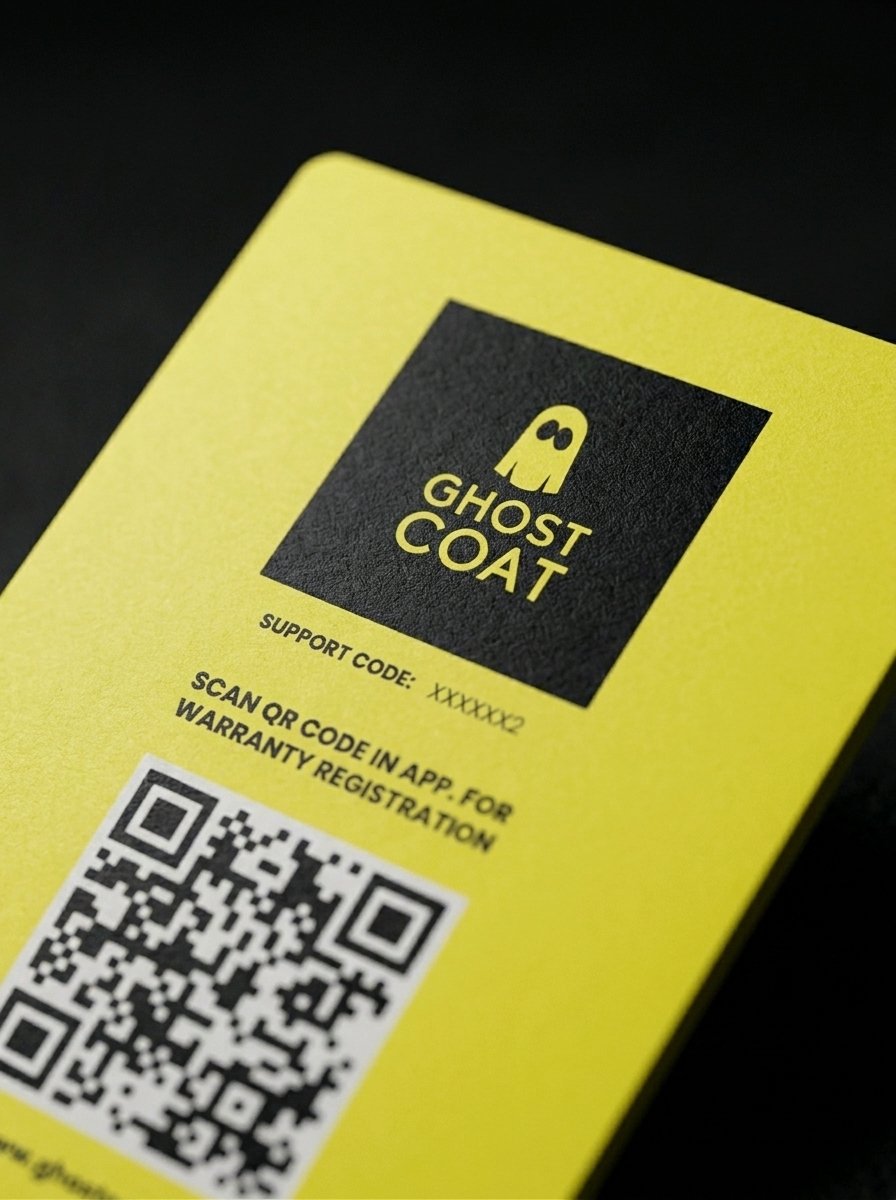
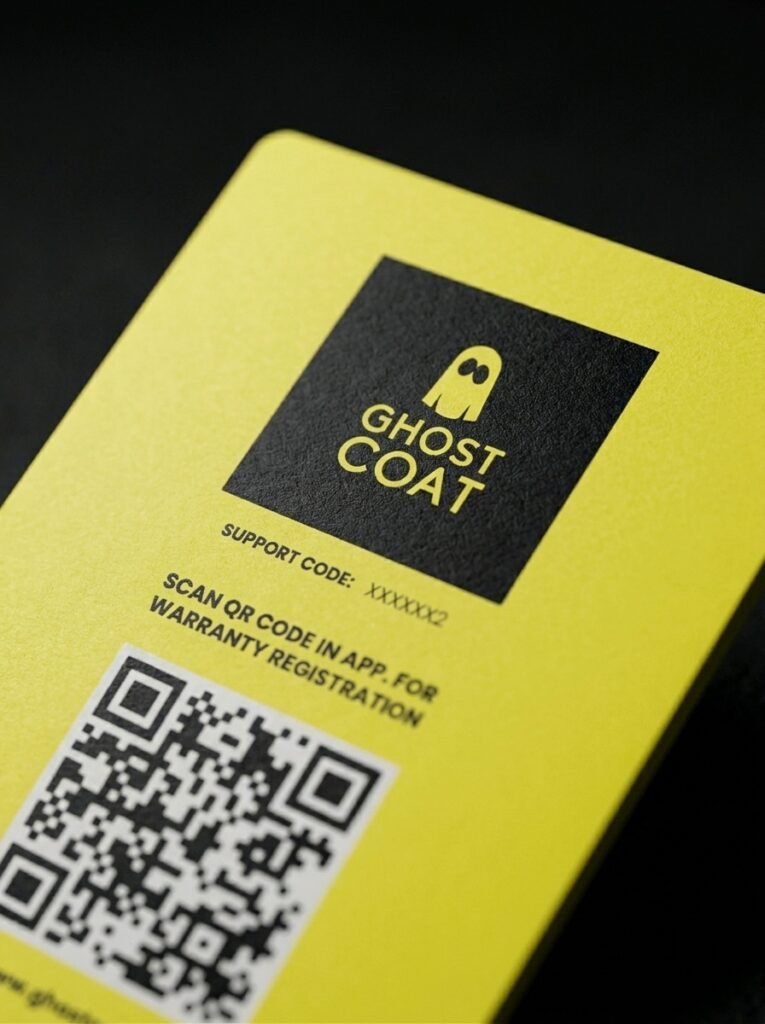
Download the Ghost Coat App. from the App store or Google Play Store to register for your 12-month Screen Replacement Warranty. Use the yellow Ghost Coat Warranty Card in the App. registration to validate your warranty.
download app.
register
activate warranty
scan registration card
validate device
Clean
Wipe
Remove dirt
Degrease
cloth is dry
Prep.
Using the black colour Pre-Clean pack: Fully open and unfold the pre-cleaner cloth and clean your device. To make sure you remove all dirt, oil and finger prints from your device, keep cleaning all over your device until the cloth is dry.
Apply
coat
even coverage
circular motions
cloth is dry
Protect.
Using the yellow colour Ceramic Protection pack: Fully open and unfold the Ceramic Protection cloth and apply Ghost Coat to your device. Apply the Ceramic Protection all over your device including the front, back & sides in a circular motion until the cloth is dry.
Wait
Do not touch
Flat surface
Pause.
Keep your device on a flat surface for at least 5 minutes without touching it. Ghost Coat Ceramic Protection will set and bond to your device.
Buff
Polish
Remove Residue
Shine
Invisible
Polish.
Using the Sticky Microfiber Cloth: Your device can be used after 5 minutes but Ghost Coat Ceramic Protection takes several hours to fully harden. After full hardening buff the device with the Sticky Microfiber Cloth to remove any residue. The Sticky Microfiber Cloth can be stuck to the back of your device for future use.
Download App
Register
Remove Residue
Activate Warranty
Scan registration card
Register.
Download the Ghost Coat App. from the App store or Google Play Store to register for your 12-month Screen Replacement Warranty. Use the yellow Ghost Coat Warranty Card in the App. registration to validate your warranty.
Our aim is simple: to help people love their stuff for longer, reduce waste and rethink the cycle of constant replacement.